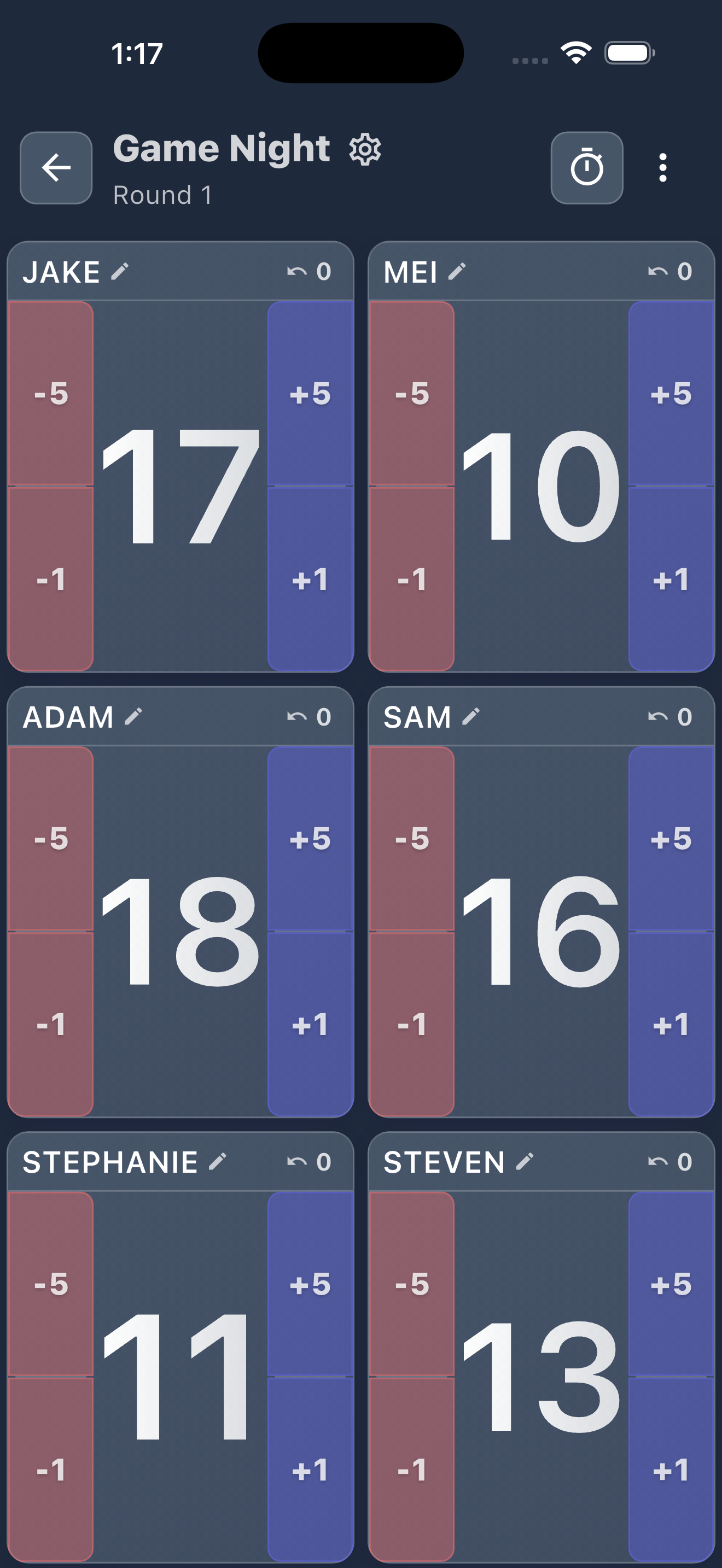
Each player gets a color-coded card with big, readable numbers. One-tap adjustments or a full numpad for exact totals. No menus, no waiting. Just play.
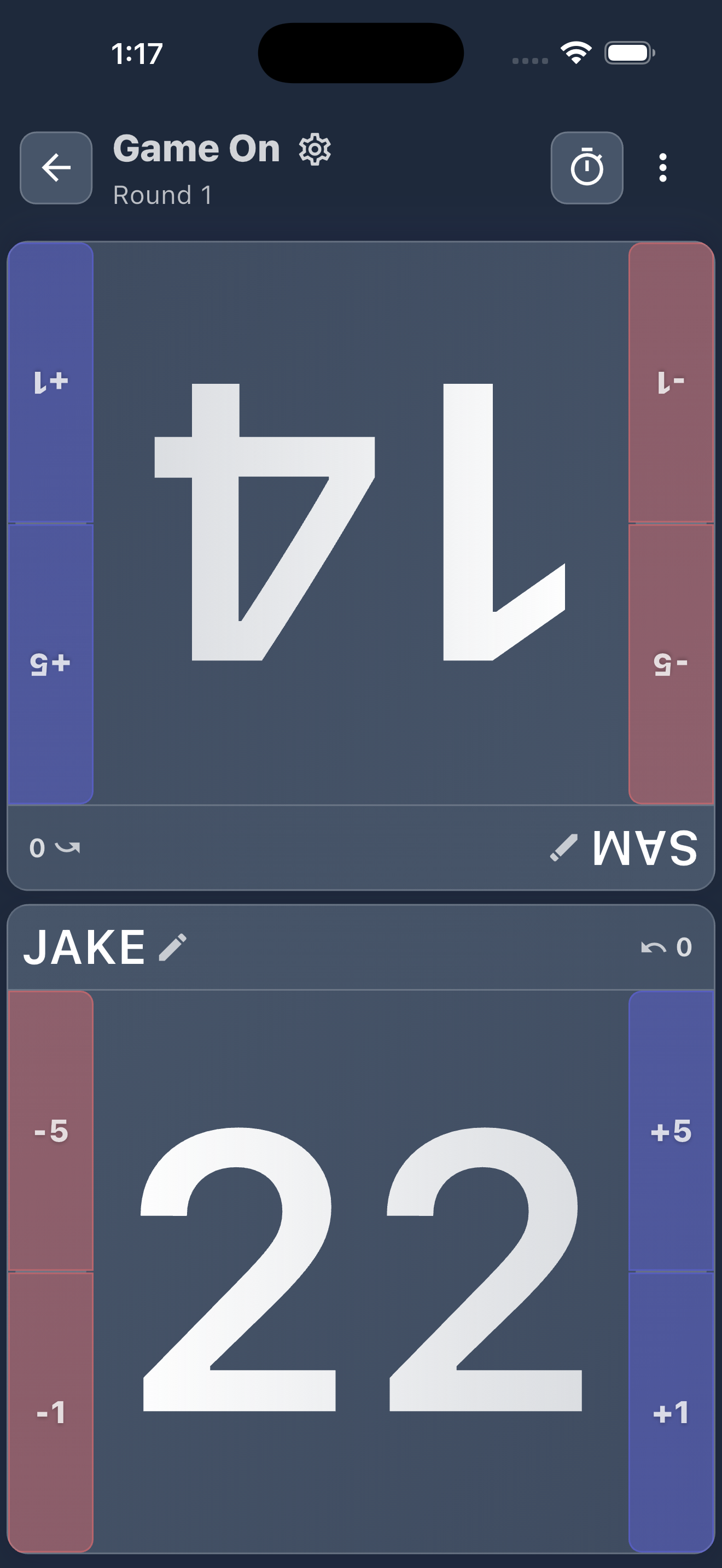
Face-to-Face mode splits the screen so each player sees their own score right-side up. No passing the phone mid-game.
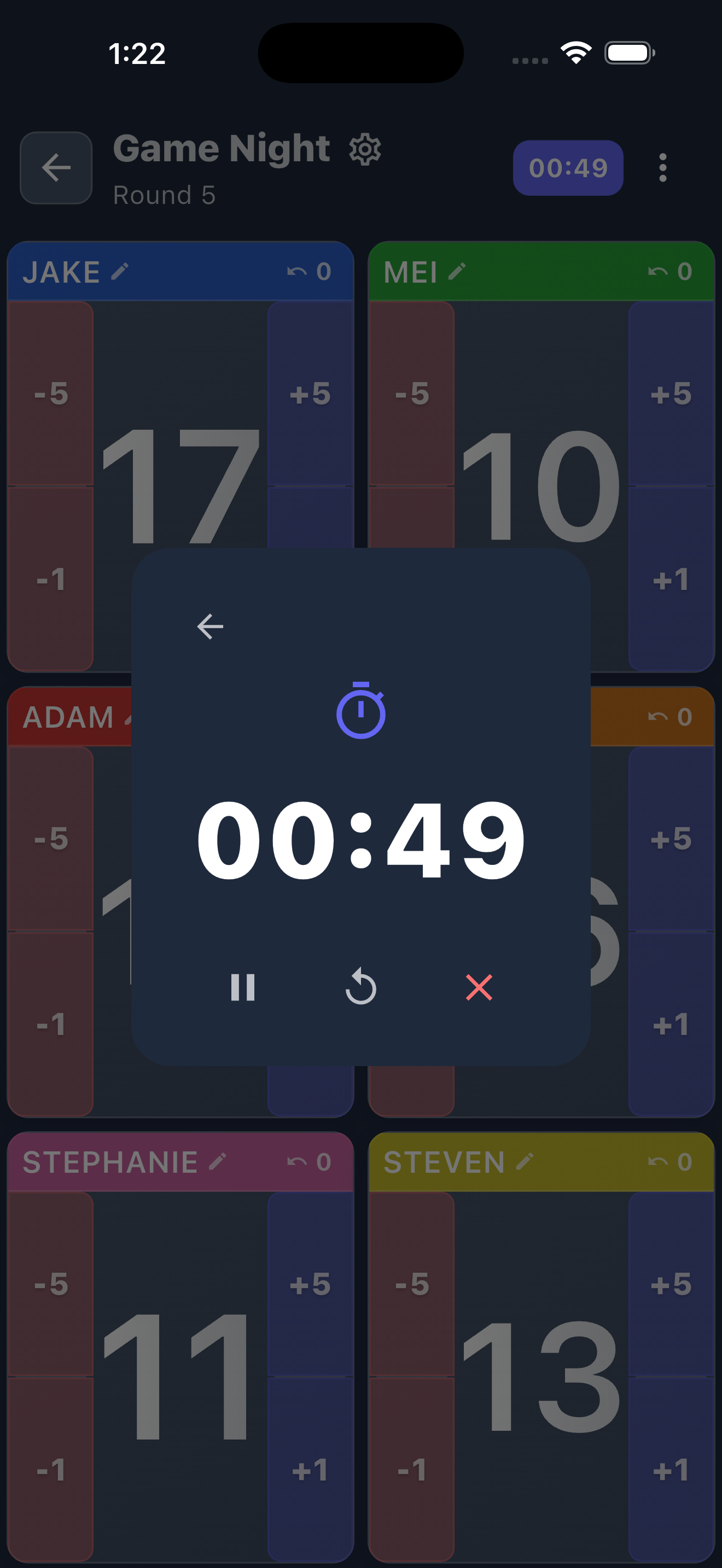
Countdown with an alarm so every round stays on pace. Start, pause, and reset without leaving the game.
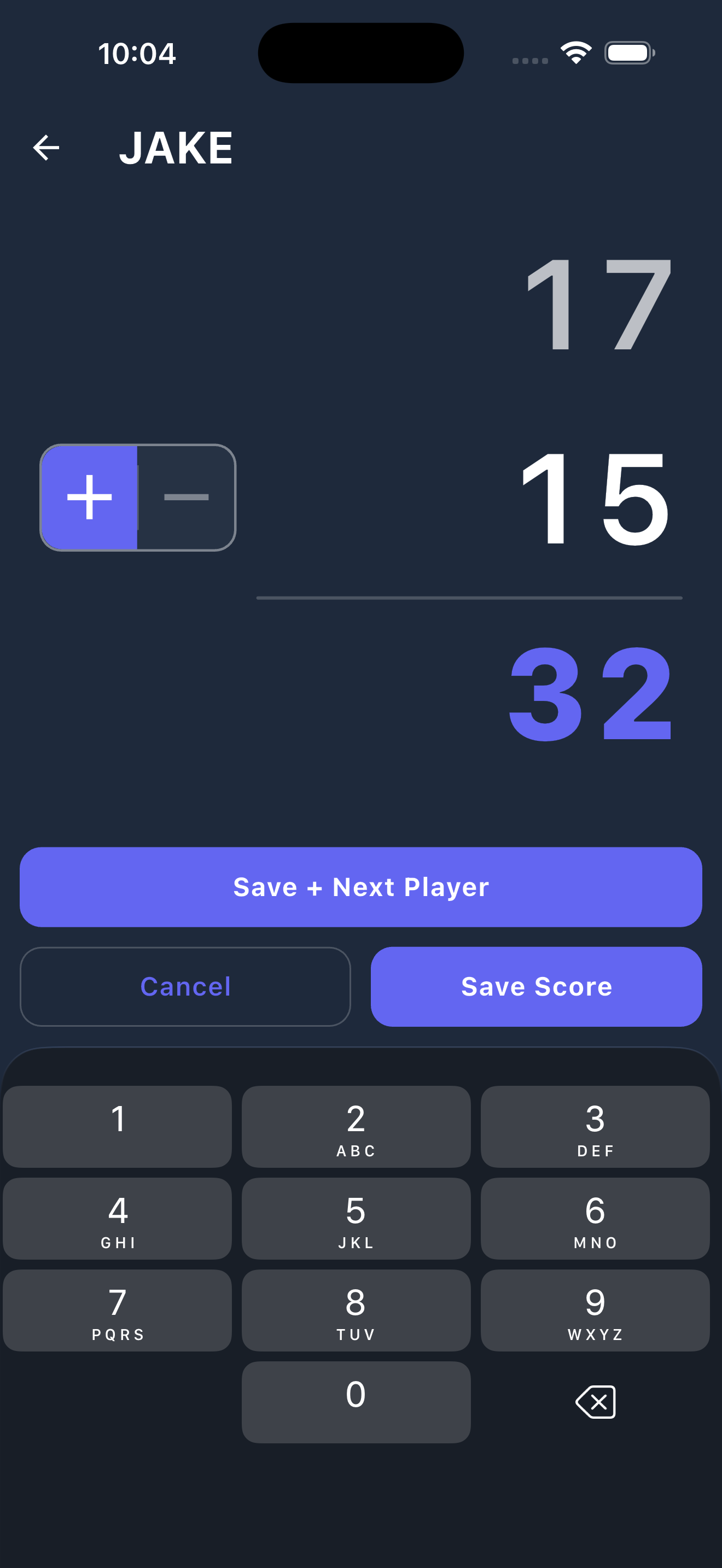
One-tap increments for quick adjustments. Full numpad when a round needs an exact total.
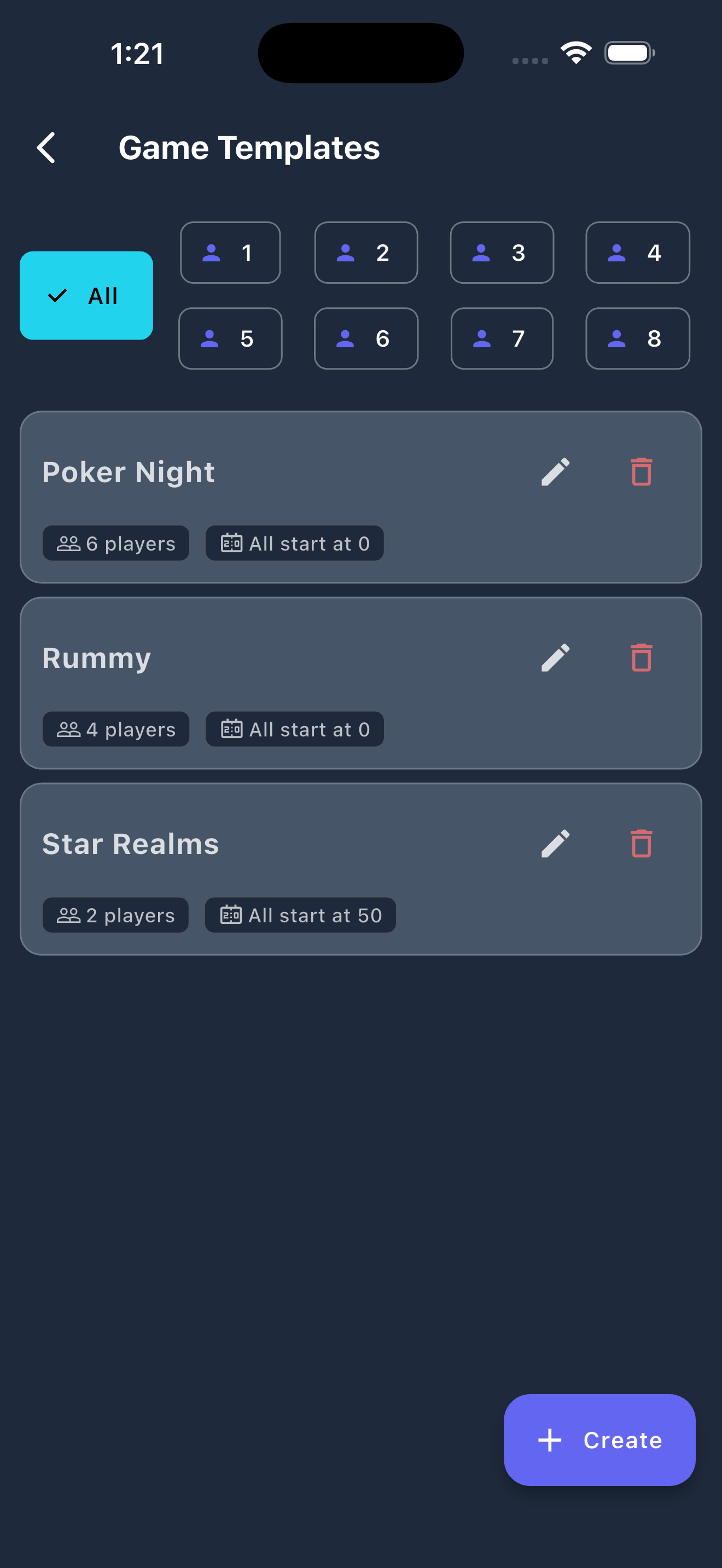
Save Rummy, Star Realms, poker presets. Any setup. One tap to start your next session instantly.
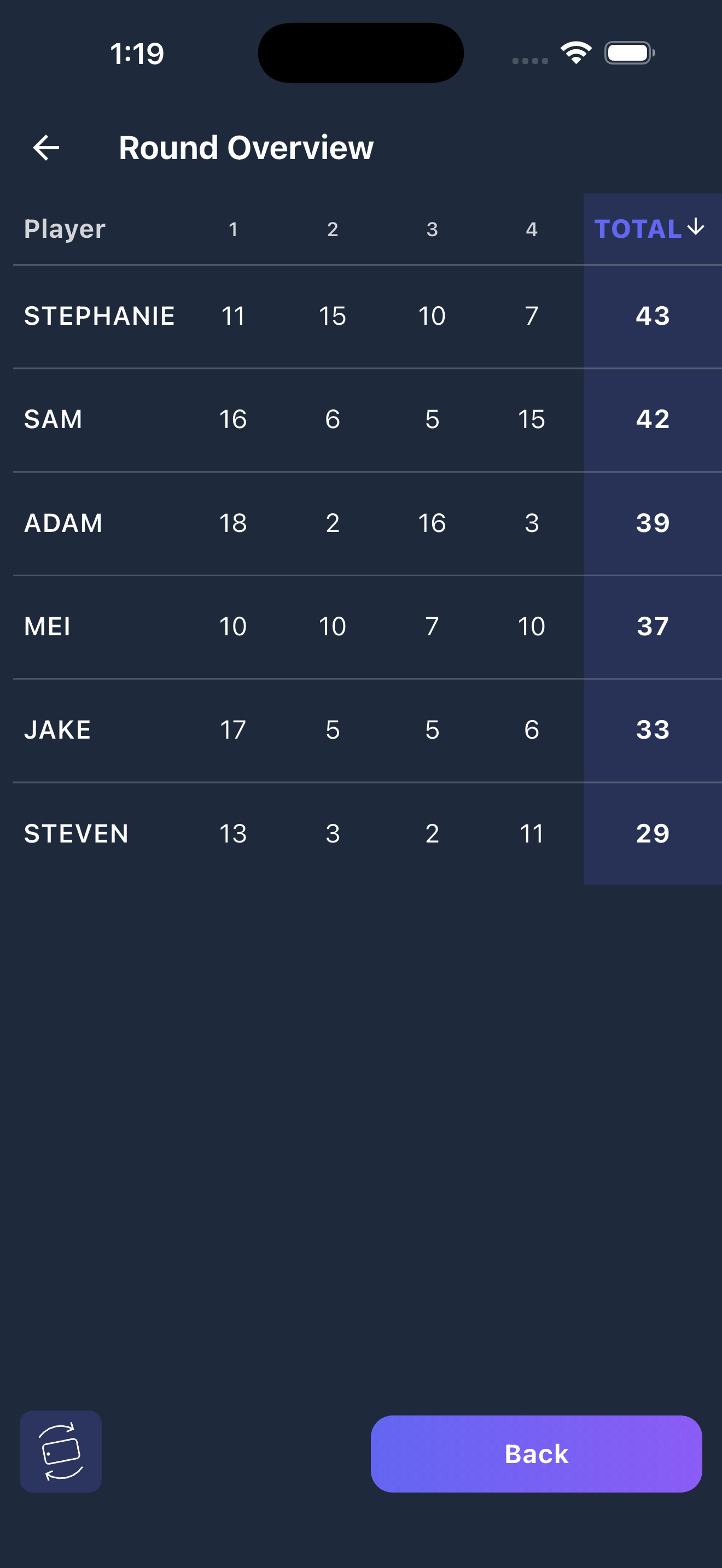
Full scoreboard showing each player's score per round, sorted by total. Spot the comeback.
No account, no sign-in, and no internet required. Score Keeper works completely offline — your games, players, and scores stay on your device, private and always available.
Score Keeper handles 1 to 8 players in a game, each with a custom name and color. When a game wraps up it's saved to your history, so you can revisit past sessions and pick up where you left off anytime.
Yes. Save your favorite configurations as templates so you can jump back into any game in seconds. No need to re-enter player names or settings every time you play.
Game history is stored locally on your device, so uninstalling the app removes it. Note down or screenshot anything you want to keep before deleting.
Score Keeper is free to download and use, and ads help keep it that way. You can adjust ad personalization anytime in Settings → Ad Preferences, and full details are in the Privacy Policy.
Still have questions? Email us at contact@daybreaklabs.dev